ceiloprrst
Sort video clips and footage at big speed
a simple little way to review your recordings, keep the good clips, and reject the trash
Free to use · Windows installer · Version 0.1.1
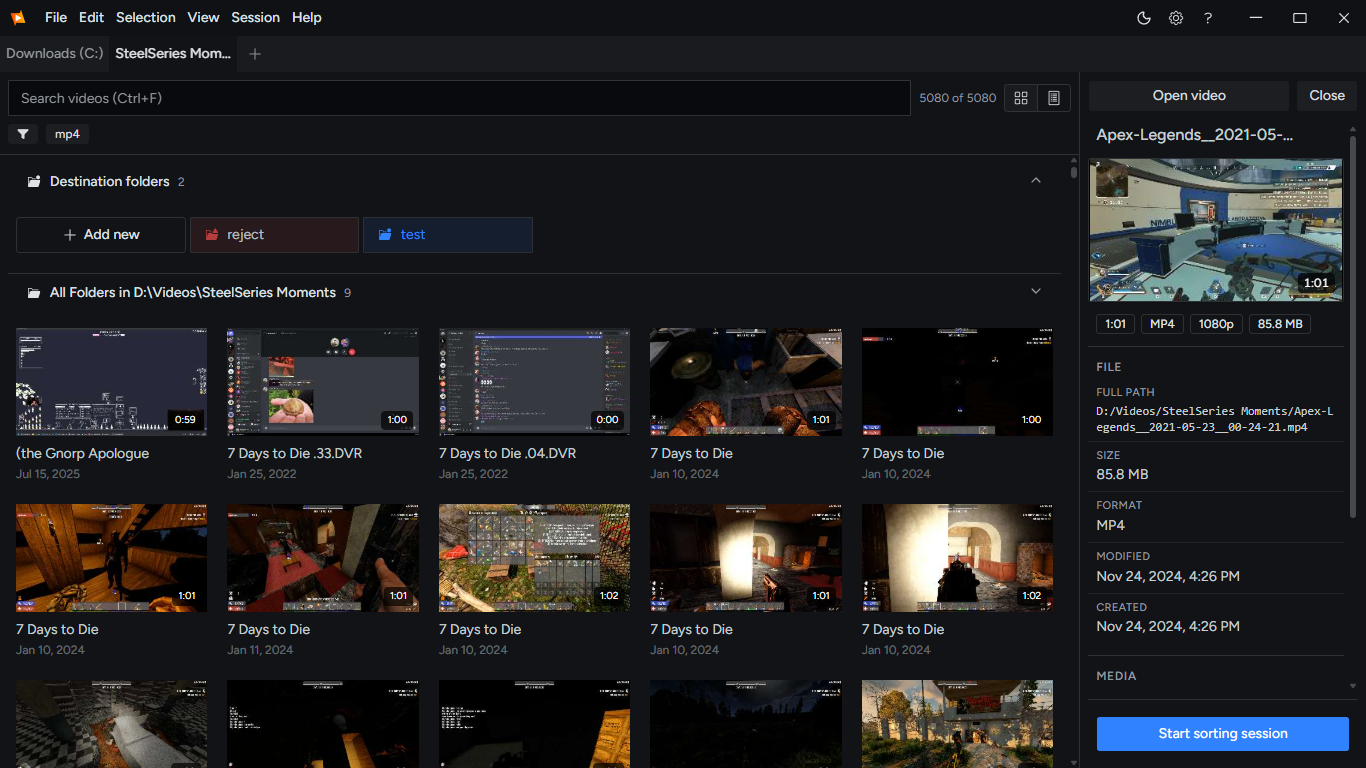
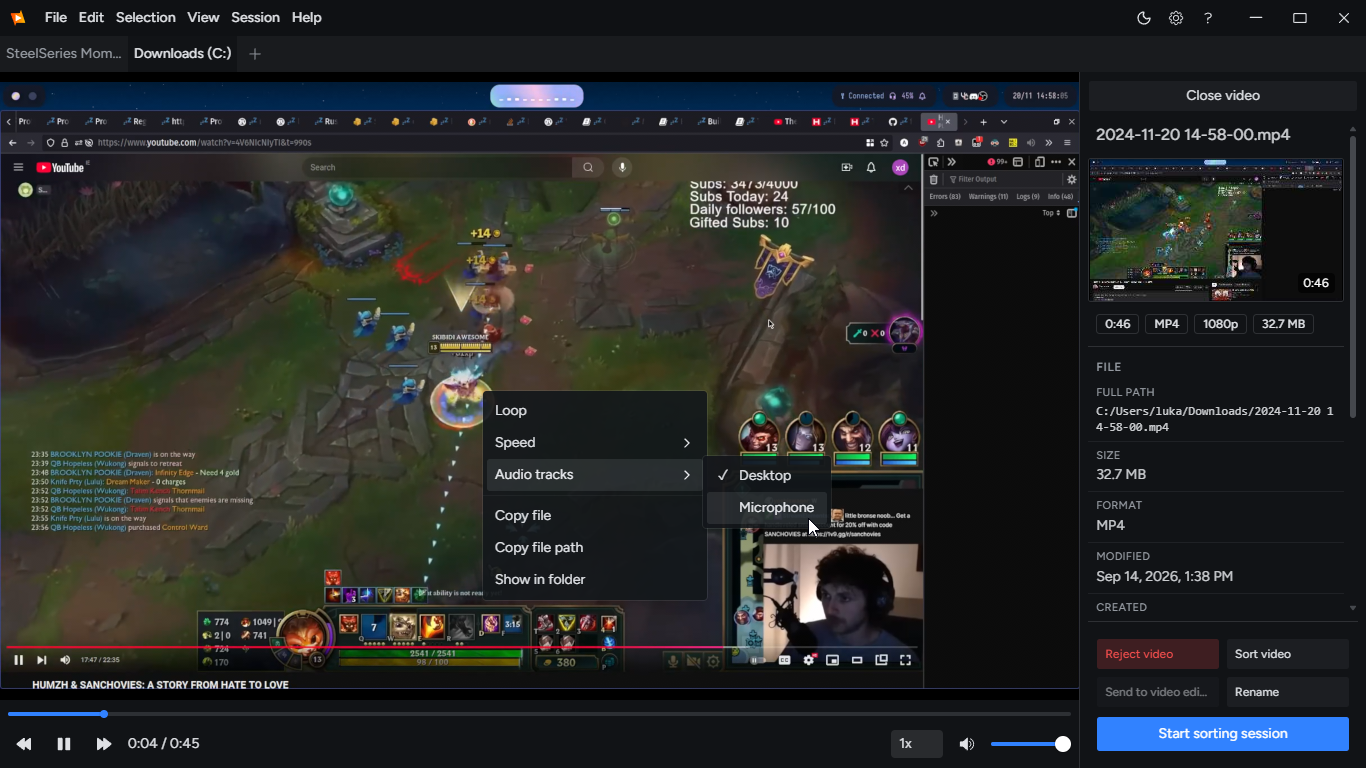
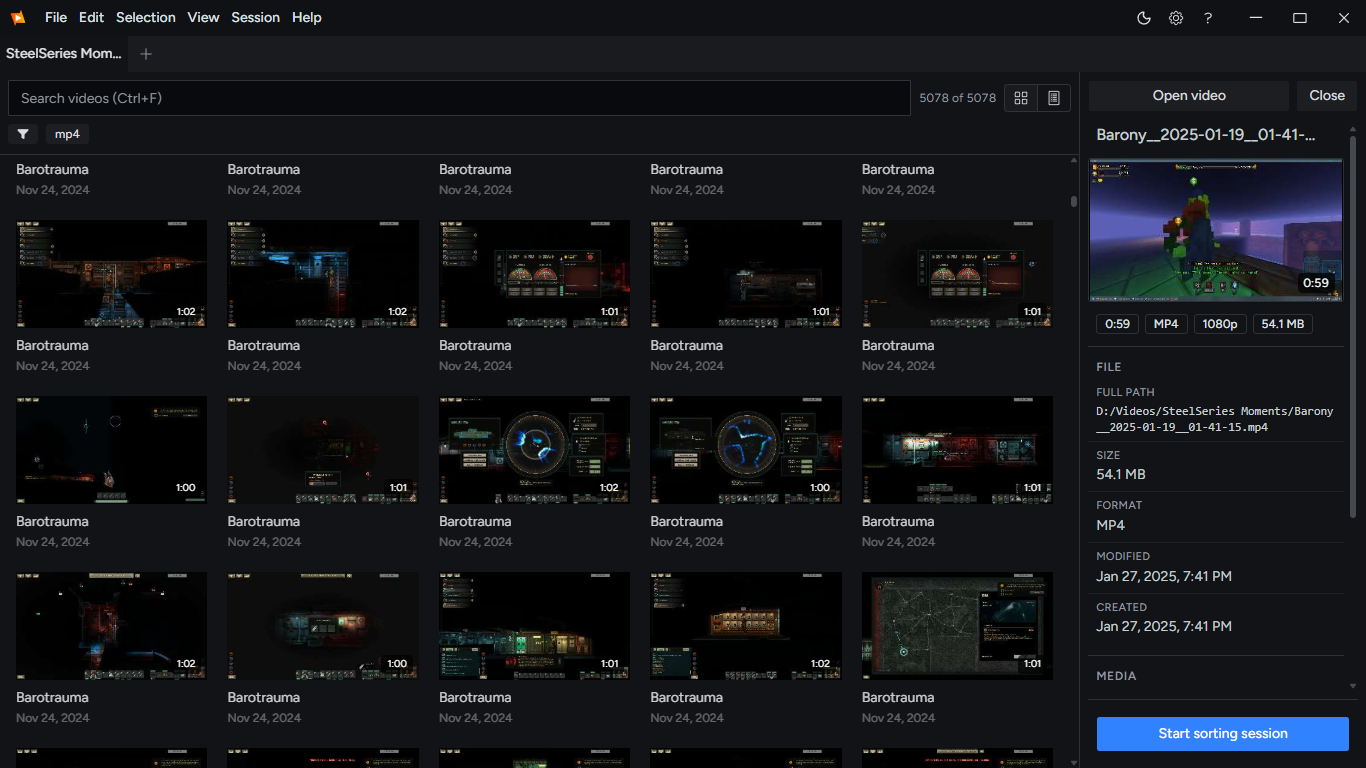
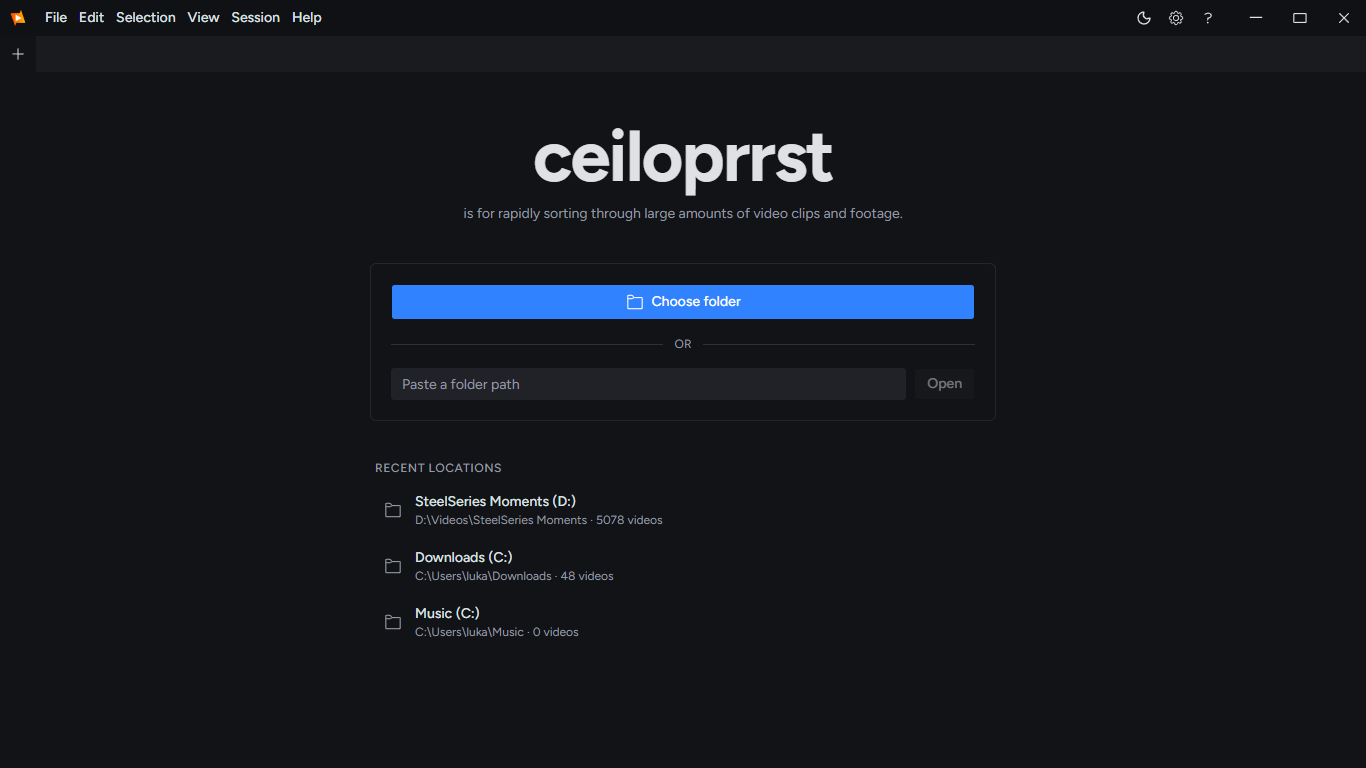
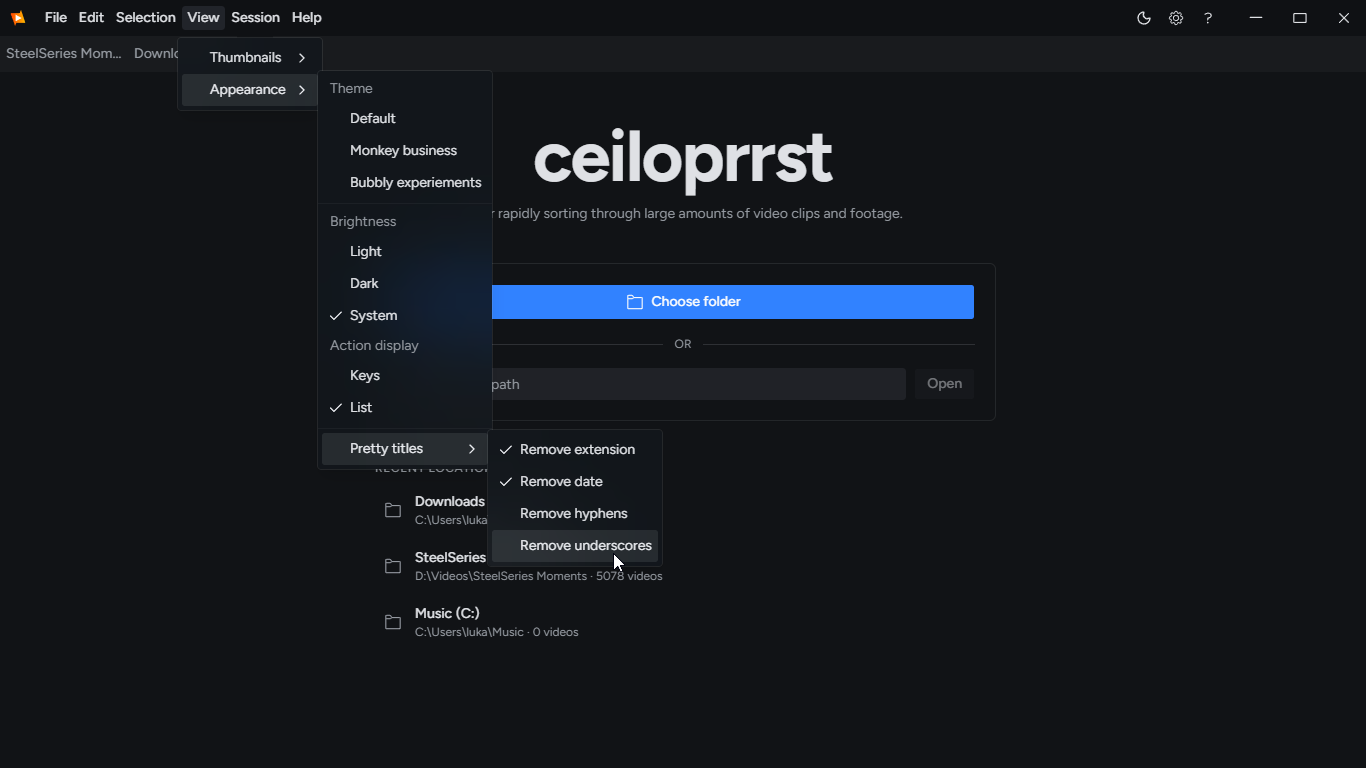
screenies
sorting in mind
built to make working through large folders of footage less tedious.
browse through your footage like a video player and find the clips you want without opening them one by one.
keep your hands on the keyboard and work through your clips without constantly reaching for the mouse.
use the down arrow to move unwanted clips into a rejects folder. you can review them and delete them yourself when you are ready.
quick and easy
start with your footage, work through your clips, and keep everything organized without boring experiences
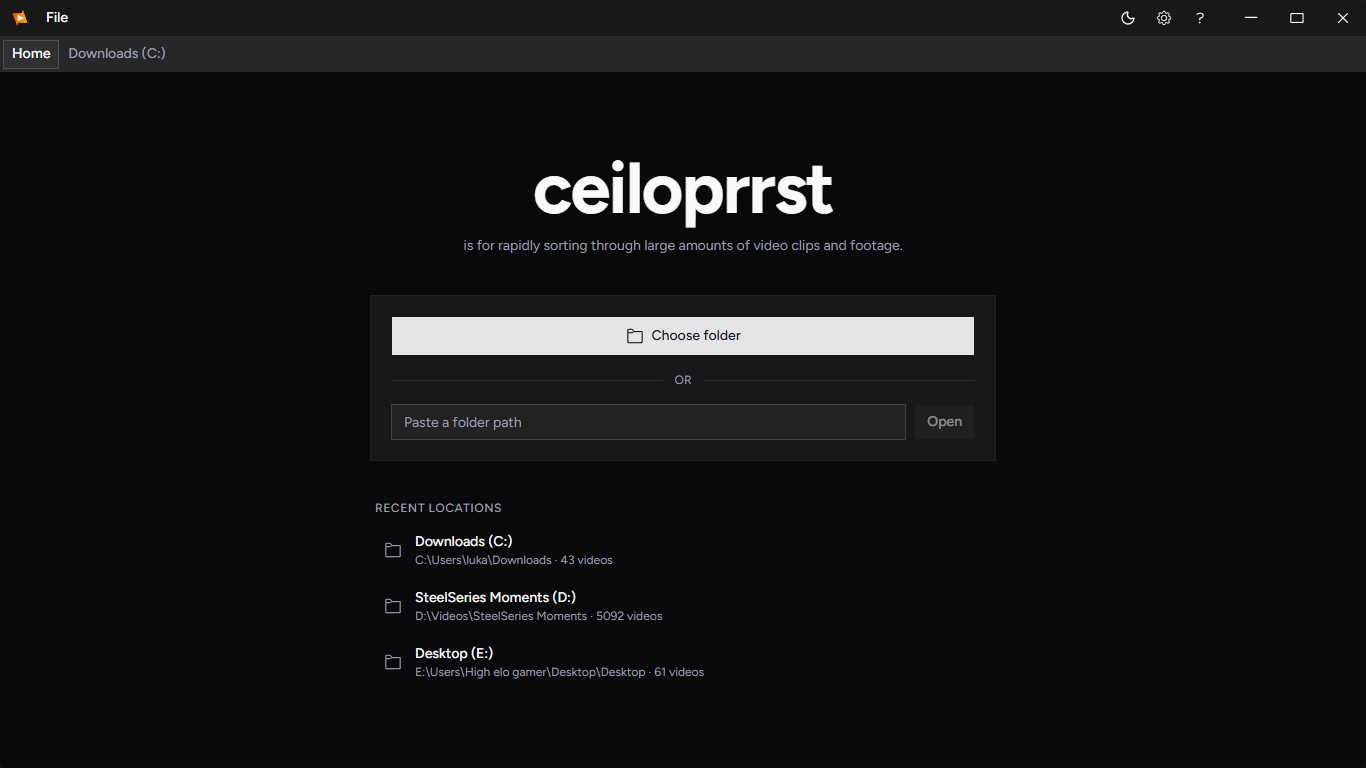
it is a sorting program!
free, fun, and built for those with too many videos, or adhd
Windows - Version 0.1.1
Frequently asked questions
Is it free?
yes! Ceiloprrst is free to use. Hosting and distributing software still costs money, though, and I am not making money from ads or selling user information. If you want to support the project, you can visit my Ko-fi page. Support the project on Ko-fi
What formats are supported?
Ceiloprrst uses libmpv to play videos, so it supports a wide range of media formats. If VLC can play your file, there is a good chance Ceiloprrst can play it too. Actual compatibility depends on the format and the codecs available.
Why isnt it open source?
i do not want the application to be copied, repackaged, and reuploaded elsewhere. Keeping the source closed does not prevent that entirely, but it makes it a little more difficult.
Do you sell user information?
no. The application is designed to work locally, and it does not sell your information. The only networking feature currently intended is an update check, which is not working at the moment.
Can it delete my files?
ceiloprrst has no in-app file deletion functionality. Its file-management operations are intended to rename and move files, including moving rejected clips into a separate folder so you can review and delete them yourself. You should still keep backups of important footage.
Who is it designed for?
it is primarily designed for people who record gameplay using OBS, SteelSeries GG, Medal, ShadowPlay, Steam, and similar tools. You can also use it to review and organize footage for video editing or other projects.
Who is behind this application?
me
Still have questions?
found a bug or something or you have feedback? feel free to send me an email at lukaforder@gmail.com.